TrenchDocs
For machine operators, plumbers and contractors: record the trench line, what is in the trench, the depths and the backfill while the trench is open. It is the record nobody can make once the ground is closed.
How it works
- You start with the job A new trench begins with what it is for: a water and sewer connection, drainage around a house, a cable trench or another trench. The job decides what goes on the list before backfilling.
- You set out the line Place points from the phone's position, or with a crosshair on the map where the position is not good enough. Side trenches branch off from a point on the main trench, and areas that were dug out are drawn corner by corner.
- You record what is in the trench Installations along the line — type, size, material, fall, warning tape and changes along the way — and installations at a point: a chamber, a connection, a joint, a deviation or an unknown line. Depths where you measured them, and photos tied to the point where they were taken.
- You backfill Backfill is recorded layer by layer and drawn as a schematic cross-section, not to scale. The list before backfilling counts what has been recorded — a tick only means that something is recorded.
- You take it out A PDF report with a map, a spreadsheet (CSV) and a map file (GeoJSON), and a backup of everything as one file.
Screenshots
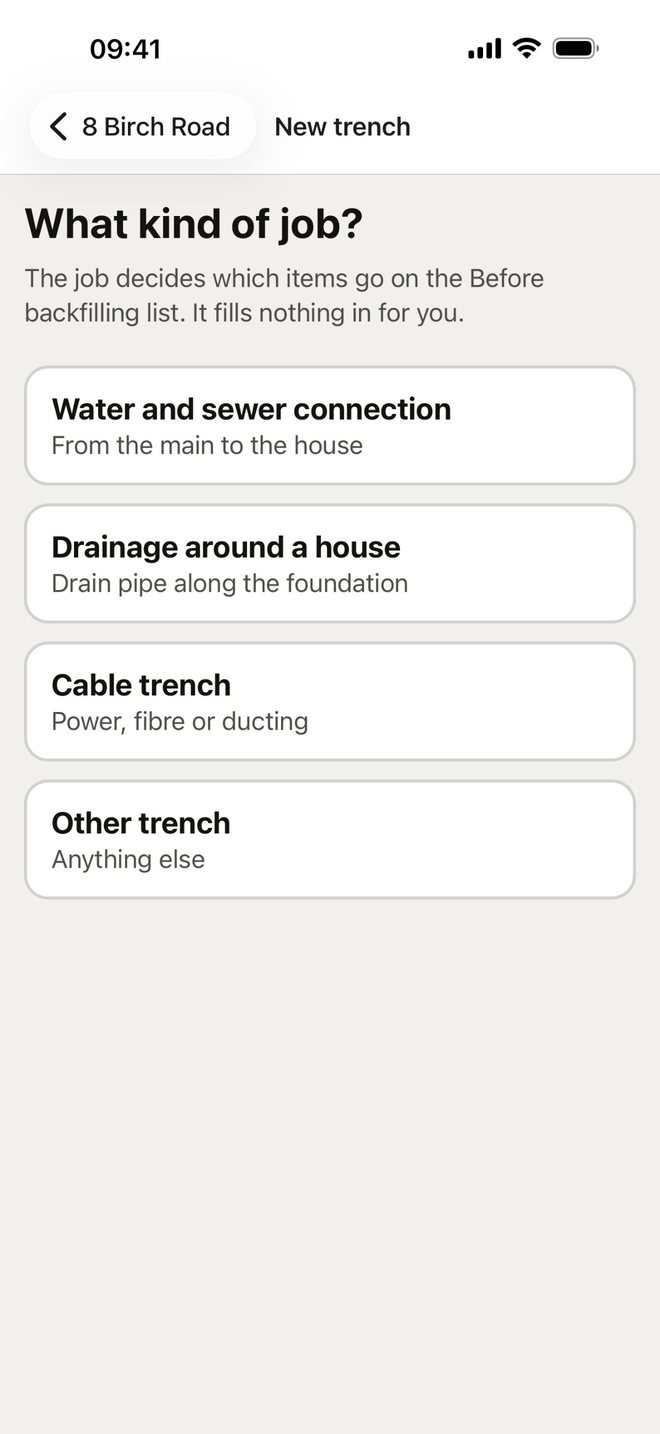
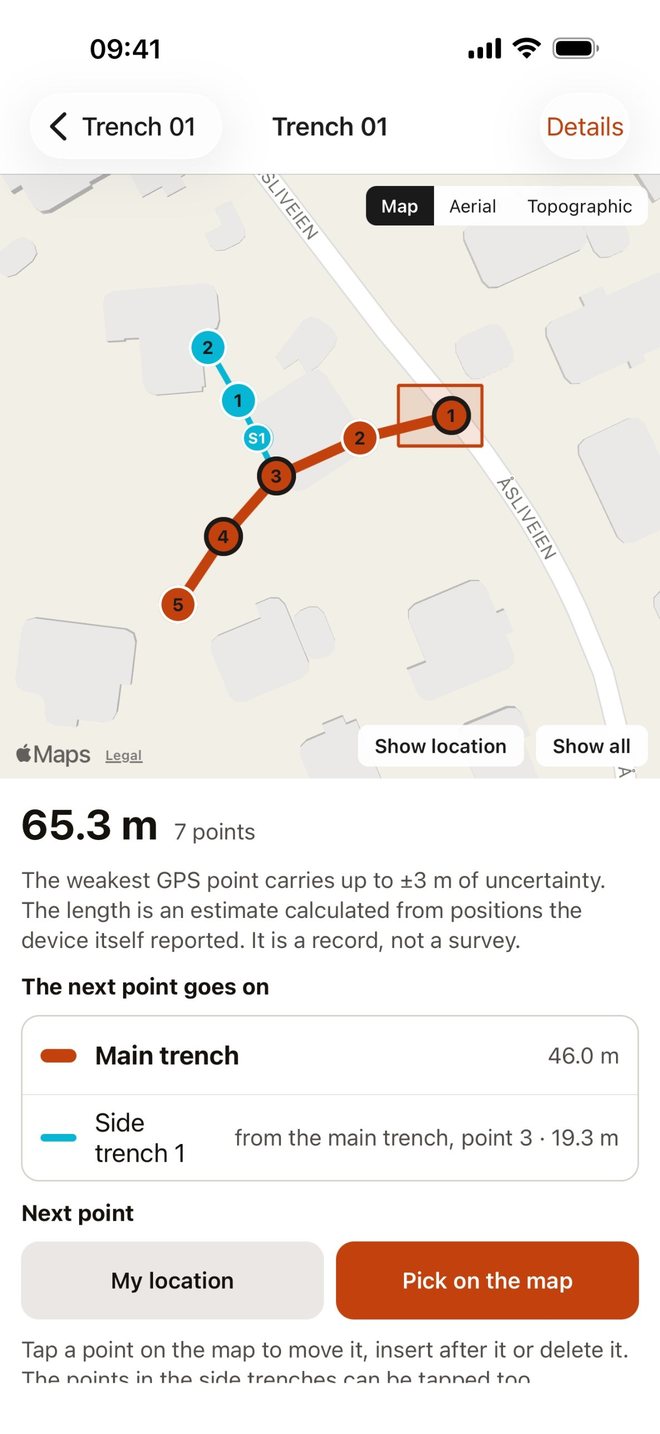
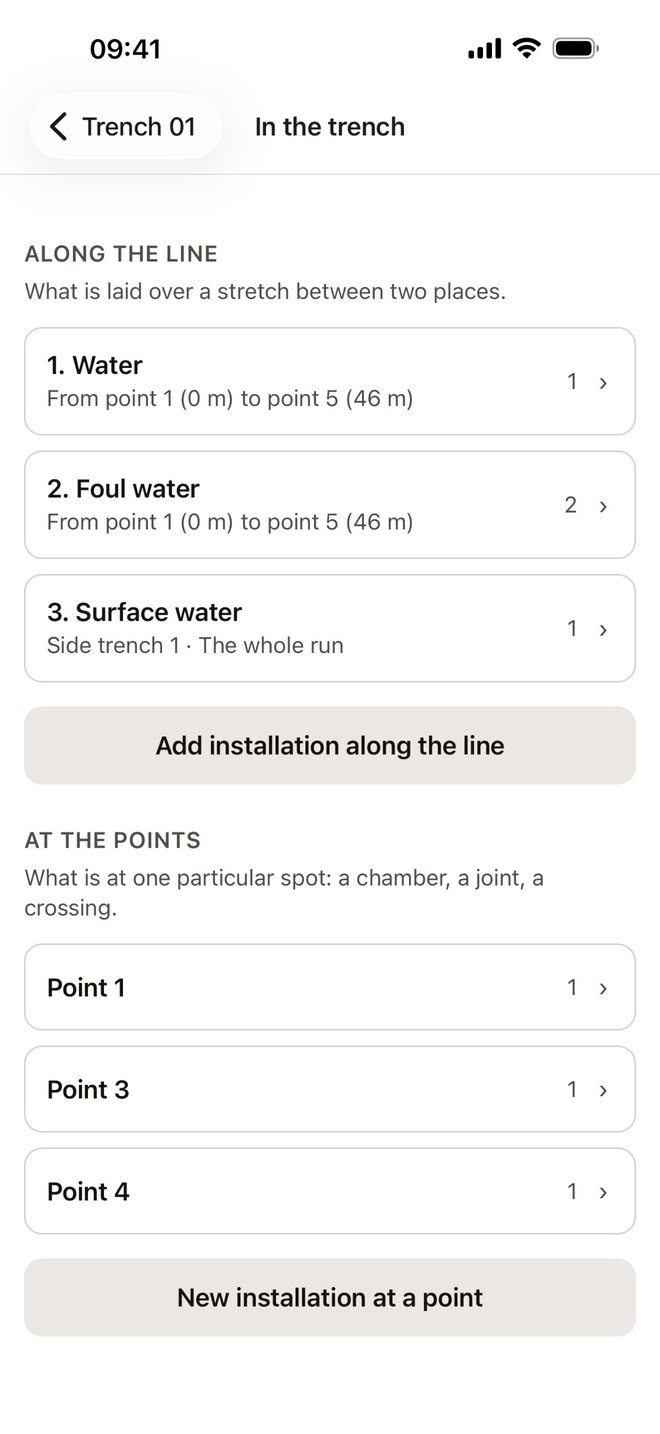
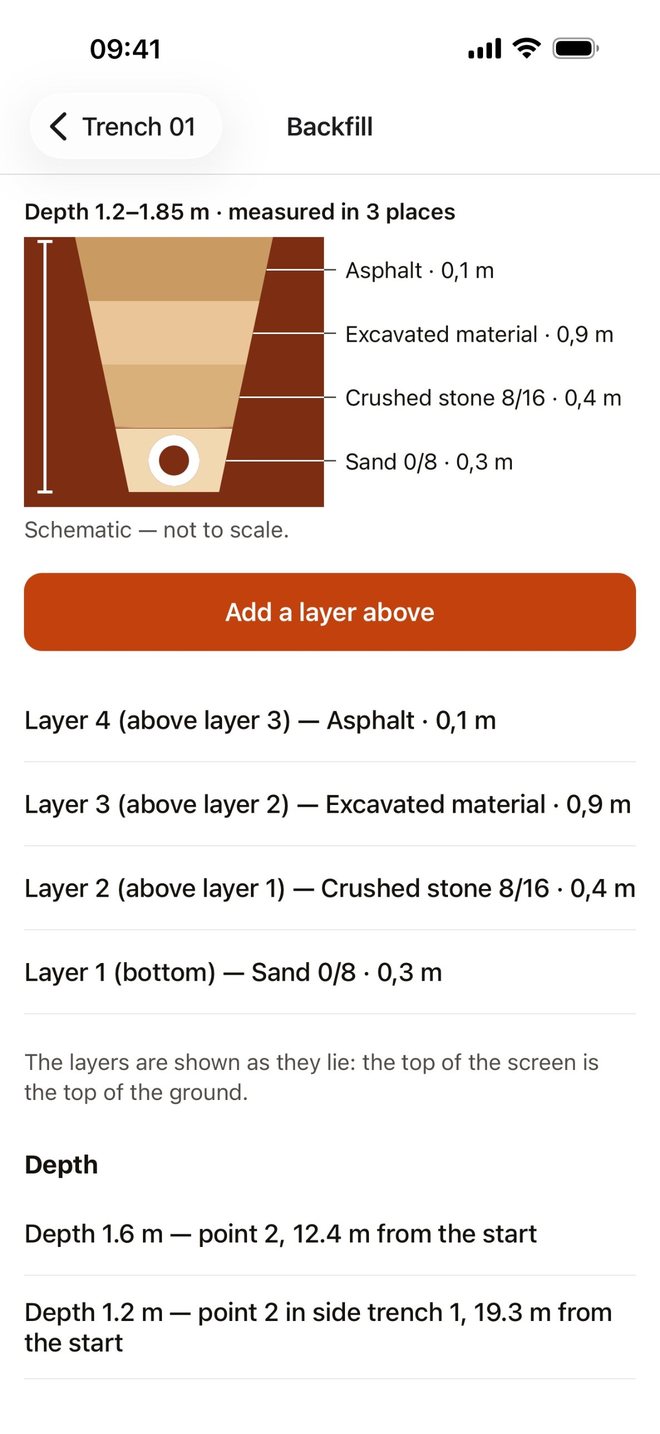
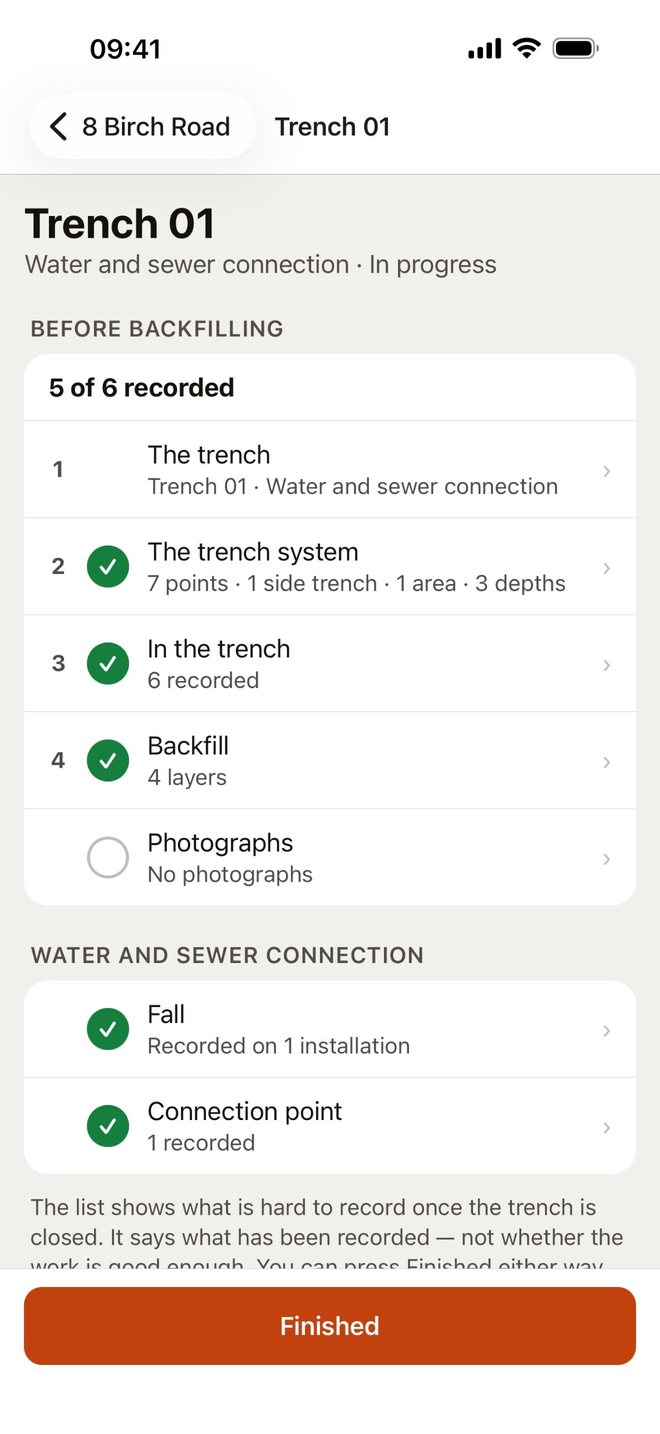
Screenshots from iPhone. Tap an image to see it larger.
Report, export and attachments
The report is a PDF with the trench line drawn as a map, the installations, the depths, the backfill and the photos. In Norway the map from the Norwegian Mapping Authority (Kartverket) sits underneath; outside Norway the line is drawn without a background map.
The spreadsheet (CSV) opens in Excel and other programs. The map file (GeoJSON) opens in QGIS, ArcGIS and anything else that reads geodata. An excavation plan, a utility locating survey and other files can be attached to the trench — they are stored as they are, and the app does not read them.
The app assesses nothing
TrenchDocs records what was done, what is in the trench and what was measured. It takes no view on depths, checks nothing against standards or the excavation plan, calculates no volumes and never says yes or no to the work.
Positions are what the phone reports, with the uncertainty the phone itself reports. They are not a survey. Judging the work is for whoever does the judging — the app only makes sure the record exists after the trench is closed.
Your data stays on the device
TrenchDocs has no account, no server, no analytics and no advertising. Trenches are stored in a database on your iPhone or iPad, and photos as files in the app's own storage. Each photo is saved again from the image itself, without the information about where, when or with which phone it was taken.
The only thing the app fetches over the network is map imagery: Apple's maps, and in Norway the map from Kartverket. The requests say which map area to show — nothing you have recorded. The privacy policy goes through this in detail.
English and Norwegian, iPhone and iPad
The app is in English and Norwegian. The first time it opens, it picks the language the phone is set to, and you can switch at any time under “Language” on the project list. It runs on iPhone and iPad, and recording works without signal — only the background map needs the network.
Support
Questions, bugs or ideas for new features: email support@byggjournal.com. See the common questions first if you want the answer straight away.